 Ultimate IPTV
What you need
You need the Apple TV app and access to content you are authorized to watch. Your source supplies the channels or media; Ultimate IPTV supplies the player, guide and library interface.
Choose the connection that matches the details you already have:
- M3U or M3U8: a playlist URL.
- Xtream Codes: a server address, username and password.
- Stalker Portal: a portal address and registered MAC address.
- HDHomeRun: a compatible tuner reachable on your local network.
- Jellyfin: your media server address and API token.
- Plex: your server address and X-Plex-Token for movie and show libraries. Plex live TV and guide import are not supported.
Connect your first source
- On first setup, open Connect your content. To add a source later, open the app’s Settings → Add Playlist.
- Choose the source tile that matches your details. For an M3U or M3U8 address, choose Playlist link.
- Enter the connection details. You can give the source a name; on Apple TV, leaving the name blank uses the suggested name.
- Choose Connect. When the app reports that your content is connected, choose Continue.
For playlist-specific steps and guide setup, see how to add an M3U playlist. These instructions use the English interface labels.
Use the guide and make Home your own
Browse live channels in Live TV, use the programme guide to see listings, or search your library. Guide information depends on what your source supplies. If channels load but listings do not, you may need to add an XMLTV guide separately.
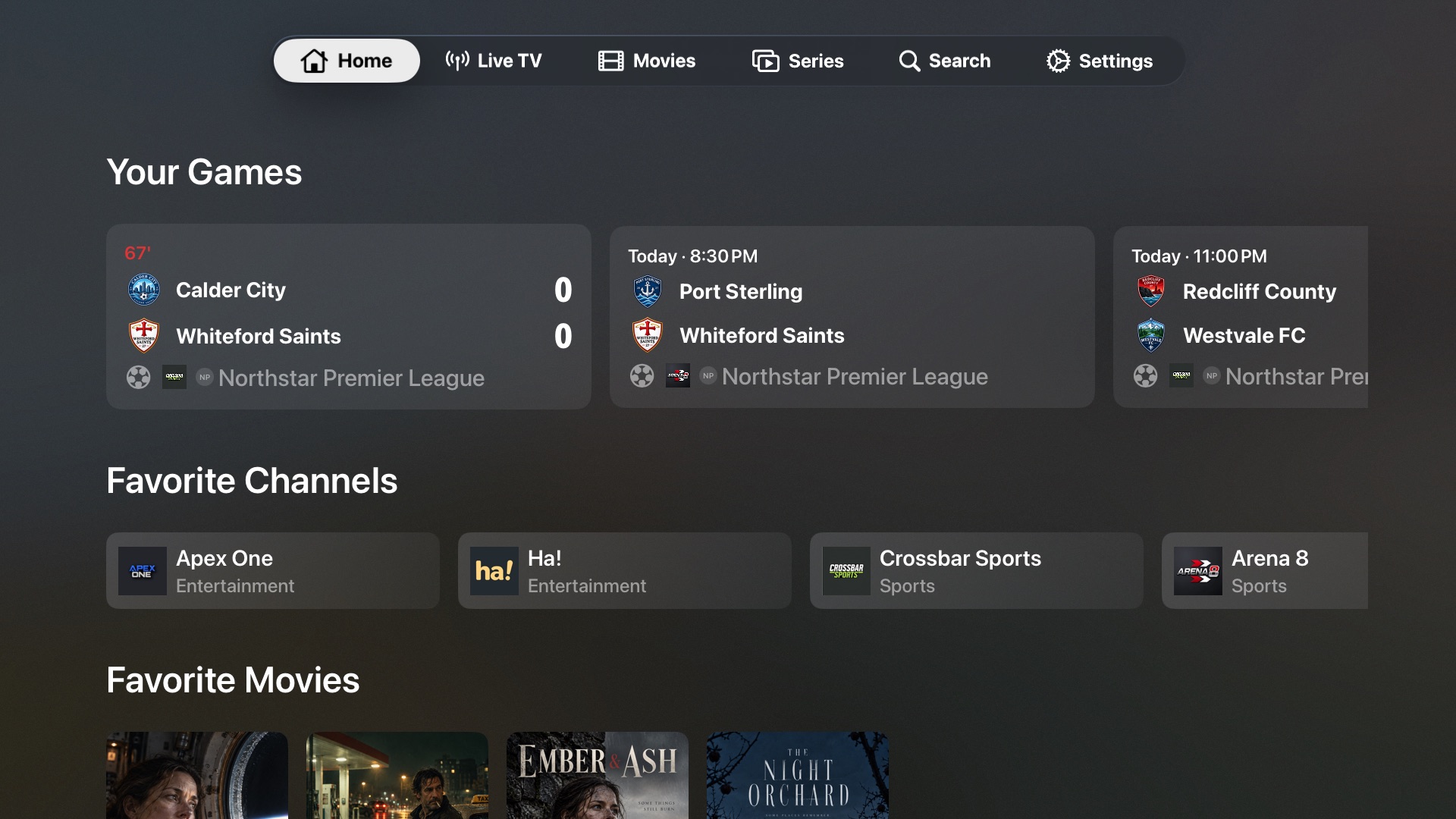
Favorites and Continue Watching help you return to channels, films and episodes. Reorder or hide Home rows and choose their sizes to keep the sections you use most within reach of the remote. Favorites, progress and settings can sync through your own iCloud across your Apple devices.
Can you watch several channels at once?
Apple TV multiview can show two to four live channels together. Choose the pane whose audio you want to hear, or return a game to full screen.
Each pane needs an available stream connection. If your source only allows one connection, opening extra panes may fail or interrupt another stream. Multiview also depends on device capability; it does not increase the connection allowance supplied by your source.
What is free, and what needs Pro?
The free tier includes one playlist profile, playback, the guide, search, favorites, Continue Watching and iCloud sync. Pro adds multiple playlist profiles, Sports & My Teams, provider-supported catch-up and downloads. Feature availability varies by source and platform.
Pro is a monthly or yearly subscription that renews automatically until cancelled. Trial eligibility, pricing and terms are shown in the app. See the free and Pro comparison for the current packaging.
Find a game from your own channels
With Pro, follow teams or leagues and use the Games calendar to plan what to watch. Open a game to see ranked broadcast choices from your active profile. Matching depends on guide and sports-data coverage; a suggested channel may not be carrying the game.
Read the sports scores and broadcast guide for feed quality scans, spoiler controls, widgets and Live Activities.